
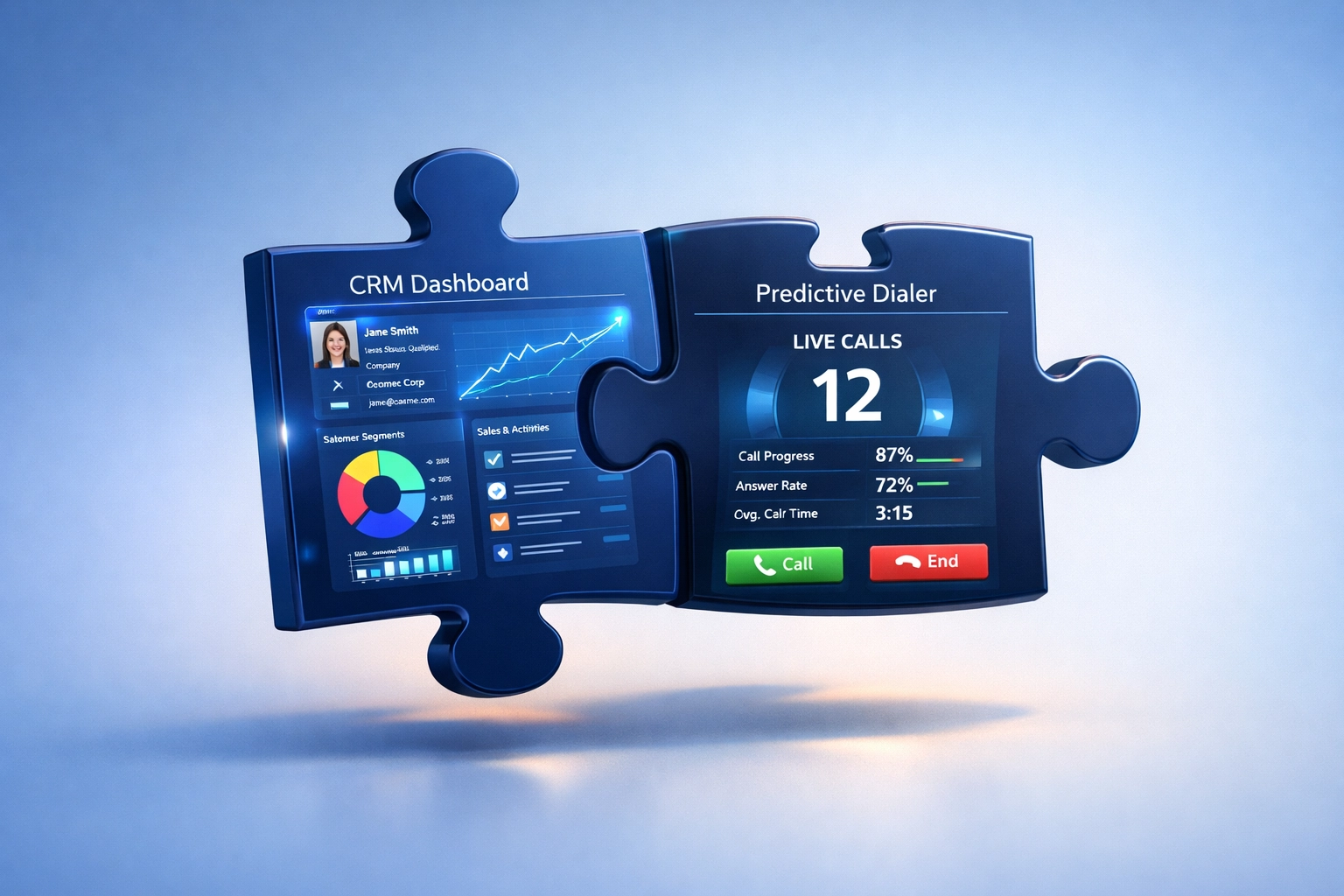
Zoho CRM integration with InterCloud9 helps sales teams connect customer records, outbound calling activity, and follow-up workflows in one more organized process. Instead of managing leads in Zoho CRM while separately dialing, taking notes, and tracking call outcomes, teams can use InterCloud9 with Zoho CRM to create a more efficient communication workflow.
For businesses that rely on Zoho CRM to manage prospects, customers, accounts, and sales activity, connecting CRM data with predictive dialer software can help reduce manual work, improve follow-up consistency, and give teams better visibility into outbound campaigns.
Zoho CRM Integration for Predictive Dialer Workflows
Zoho CRM is commonly used to organize leads, contacts, accounts, deals, notes, and sales follow-up activity. When a sales team also uses outbound calling, the CRM becomes even more valuable when it connects with the dialing process.
InterCloud9’s predictive dialer can support Zoho CRM-based workflows by helping teams call through lead lists more efficiently while keeping customer communication organized. This is especially useful for businesses that want to improve sales outreach without forcing agents to jump between disconnected systems.
How Zoho CRM and InterCloud9 Work Together
A CRM and predictive dialer workflow should make outbound communication easier to manage from start to finish. With the right process in place, teams can move from lead review to live calling, call notes, dispositions, and follow-up activity with less manual effort.
Zoho CRM + Predictive Dialer Workflow Benefits
| Workflow Area | Without Integration | With Zoho CRM + InterCloud9 |
|---|---|---|
| Lead Management | Agents may need to manually reference spreadsheets, exported lists, or separate call systems. | Teams can work from CRM-based lead and contact data while supporting a more organized outbound process. |
| Outbound Calling | Manual dialing slows down call volume and increases idle time between conversations. | Predictive dialer software helps increase live conversations by dialing ahead and connecting answered calls to available agents. |
| Follow-Up | Follow-up reminders and notes may be inconsistent across team members. | CRM workflows help teams track customer status, notes, call outcomes, and next steps more consistently. |
| Campaign Visibility | Managers may have limited insight into call activity and lead progress. | Connected workflows make it easier to review campaign activity, lead status, and follow-up performance. |
Why Sales Teams Use Zoho CRM with a Predictive Dialer
Sales teams often need to contact large lead lists while still keeping accurate records of each conversation. A hosted predictive dialer and CRM workflow can help teams improve both speed and organization.
- Reduce manual dialing: Help agents spend more time in live conversations and less time dialing numbers manually.
- Improve lead follow-up: Keep call notes, lead status, and next steps easier to manage.
- Support higher call volume: Help outbound teams work through larger lists more efficiently.
- Keep customer records organized: Use CRM data to support better communication history and sales tracking.
- Create repeatable workflows: Give sales teams a more consistent process for calling, updating, and following up with contacts.
Zoho CRM Integration Use Cases
Zoho CRM and InterCloud9 can be useful for businesses that depend on repeatable outbound communication workflows. Common use cases include:
- Insurance agencies: Follow up with prospects, policyholders, renewals, and quote requests.
- Mortgage and real estate teams: Manage lead follow-up, appointment setting, and pipeline communication.
- Solar and home service companies: Contact inbound leads, schedule consultations, and manage campaign follow-up.
- B2B sales teams: Improve outbound prospecting and account-based follow-up activity.
- Merchant services and business funding teams: Organize high-volume sales outreach and customer contact workflows.
Zoho CRM Integration vs Standalone Dialing
Standalone dialing tools can help teams place calls, but they may not provide the same level of customer context as a CRM-connected workflow. When sales teams use Zoho CRM alongside InterCloud9, the communication process can become more structured and easier to manage.
Instead of treating calling, notes, lead status, and follow-up as separate tasks, businesses can build a workflow where each part of the sales process supports the next step.
Pair Zoho CRM with Multi-Channel Follow-Up
Calling is often only one part of the customer communication process. Some teams also use SMS, voicemail, and automated voice messaging to improve follow-up coverage.
InterCloud9’s Simple Messaging Solution can support multi-channel outreach by combining tools such as A2P text messaging, ringless voicemail, and IVR voice messaging with broader customer communication workflows.
Best Practices for Zoho CRM and Predictive Dialer Workflows
- Keep lead lists clean before launching outbound campaigns.
- Use clear dispositions so agents can categorize call outcomes consistently.
- Create follow-up rules for missed calls, callbacks, appointments, and interested leads.
- Segment contacts by campaign type, lead source, sales stage, or customer status.
- Review call activity and CRM notes regularly to identify follow-up opportunities.
- Make sure outreach practices follow applicable consent, opt-out, and communication compliance requirements.